Submit to Showcase
Follow the steps below to get your SaaS product featured on Showcase
1
2
3
4
Once approved, your product will automatically appear in the Showcase list.
https://tanstarter.dev/showcaseShowcases
What our customers are building
Launch your SaaS with TanStarter and get featured here for free!
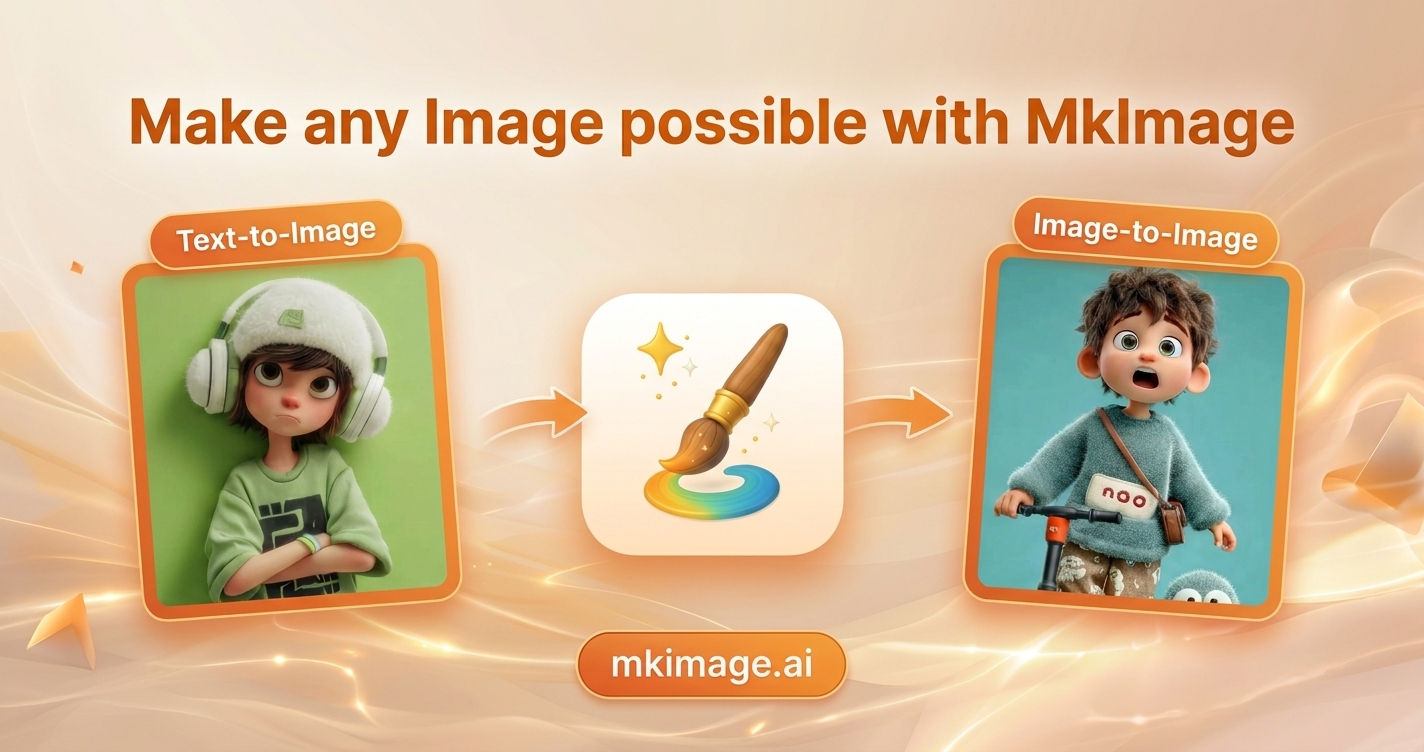
MkImage
Make any images possible — generate, edit, and transform images with AI models like GPT Image, and Gemini in seconds.

HuntifyAI
Discover the best AI tools, models, and alternatives, hunted daily. Browse AI for writing, image, video, and more on HuntifyAI.
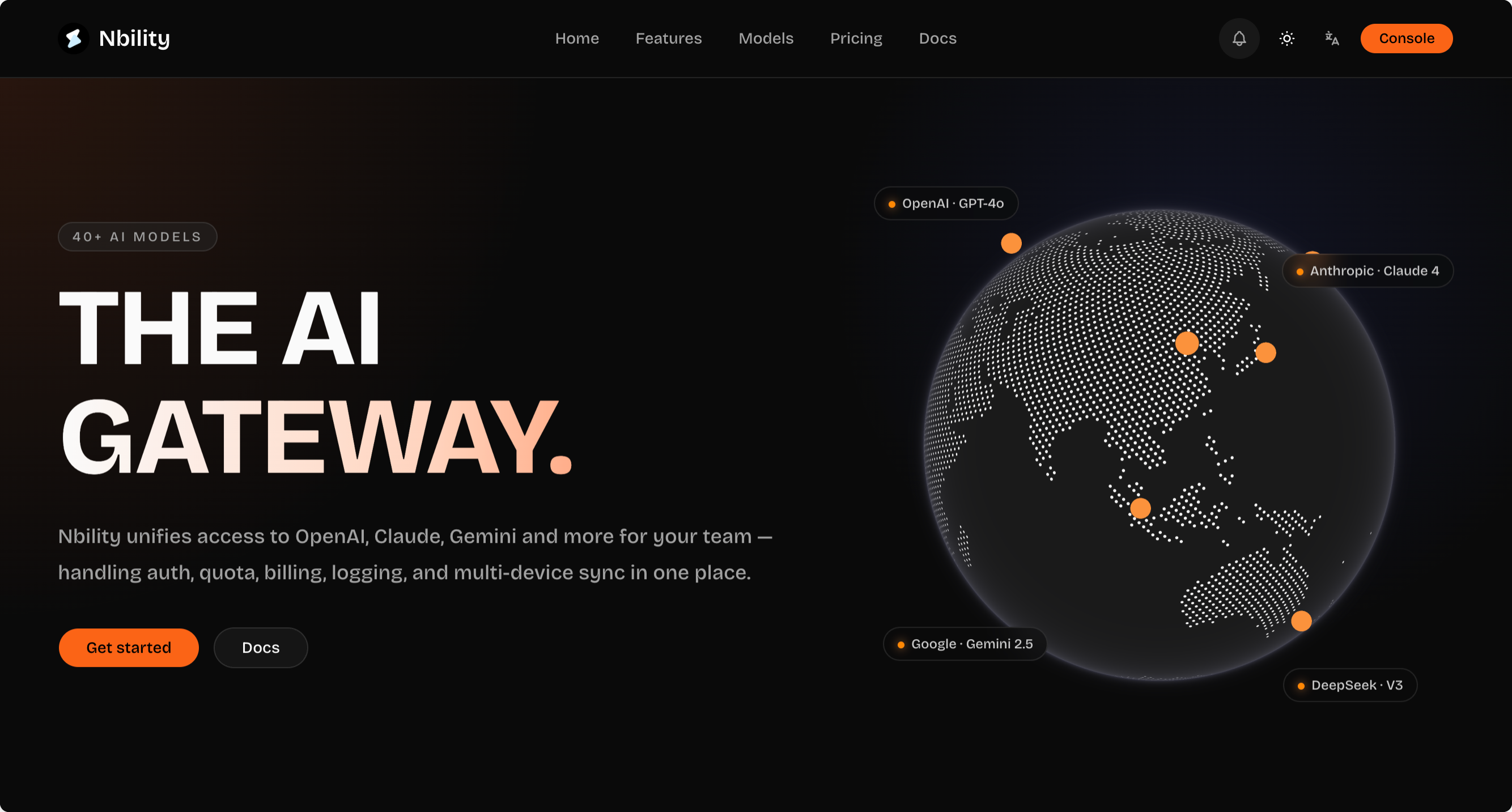
Nbility AI Gateway
Nbility 为团队统一接入 OpenAI、Claude、Gemini等主流模型,集中处理鉴权、额度、计费、日志和多端同步
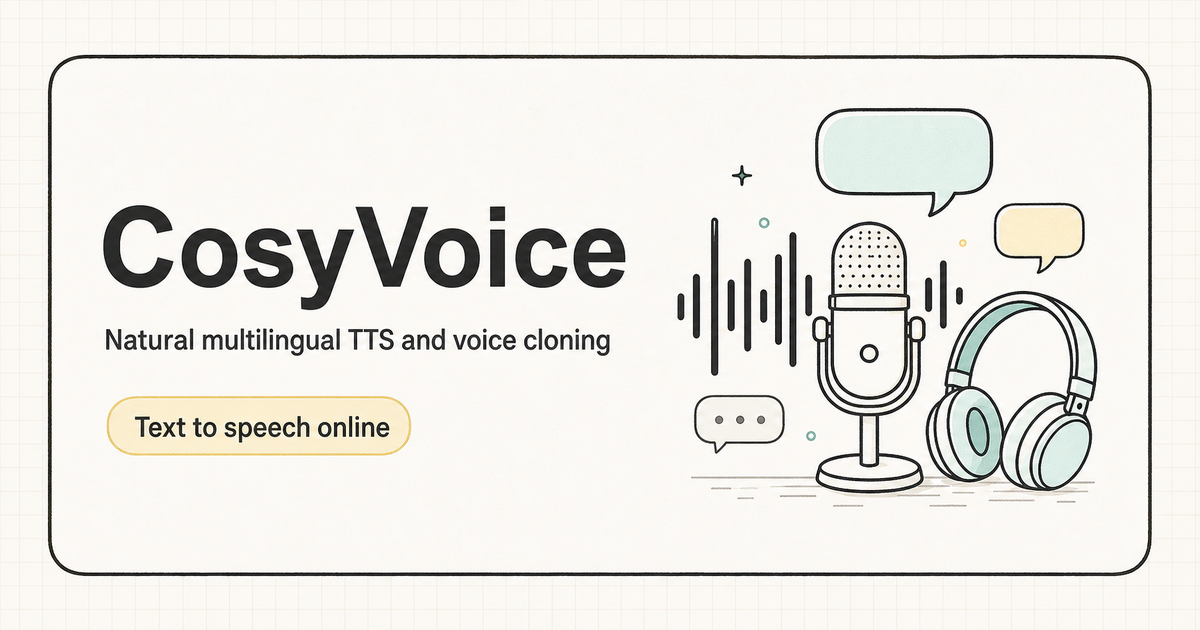
CosyVoice
Discover CosyVoice, a multilingual zero-shot TTS model, featuring natural pronunciation and high-quality speech synthesis with advanced features.

LetsFindDomain
Check domain availability across 50+ extensions instantly. AI name suggestions, price lookup, WHOIS & competitive research — free.
ImgEnhancer
Enhance image quality online with AI. Upload a photo to sharpen details, unblur images, upscale resolution, and download clearer results in seconds.